 9,5
9,5
 3D Printers
 3D Scanners
 Laser Machines
 Print & Transfer
 Acrylic Sheets
 Outlet
 Training
 Leasing
 Servicerobots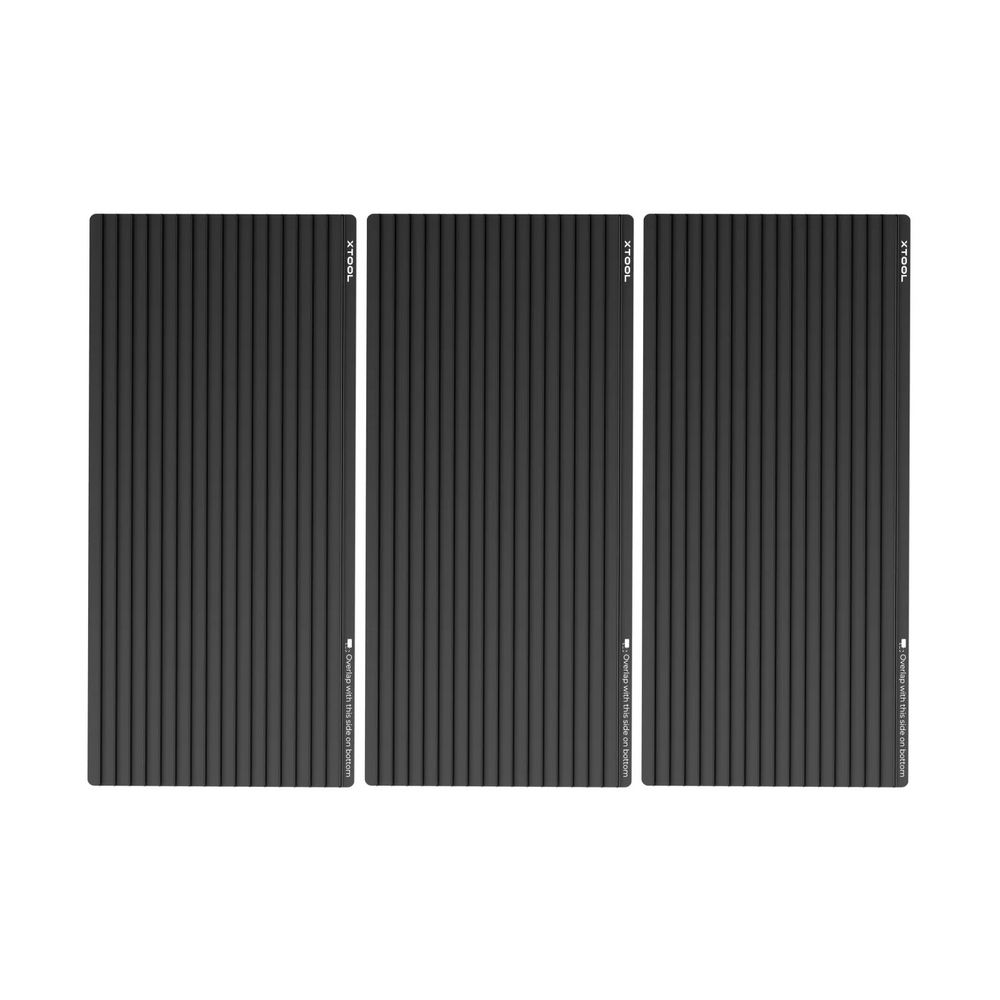


xTool xTool M2 CleanCut Panel for Cleaner Laser Cutting and Baseplate Protection




xTool M2 CleanCut Panel
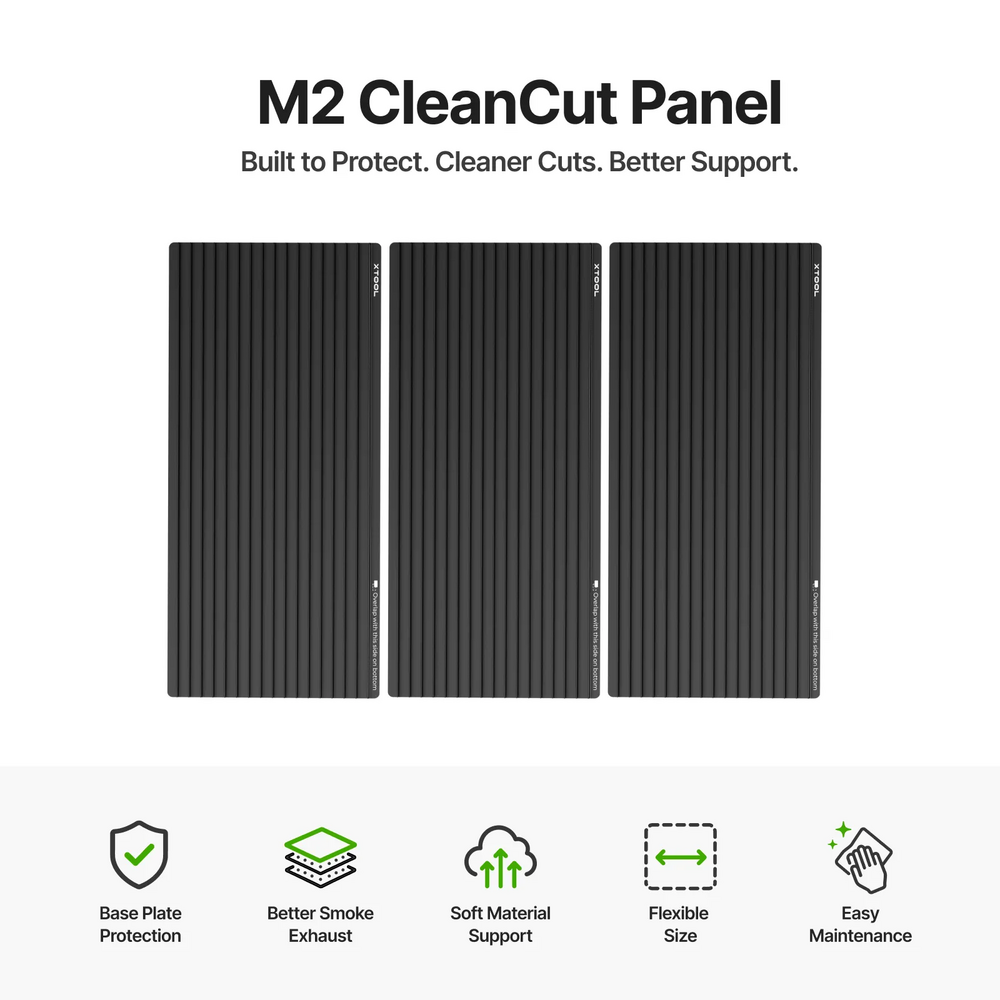
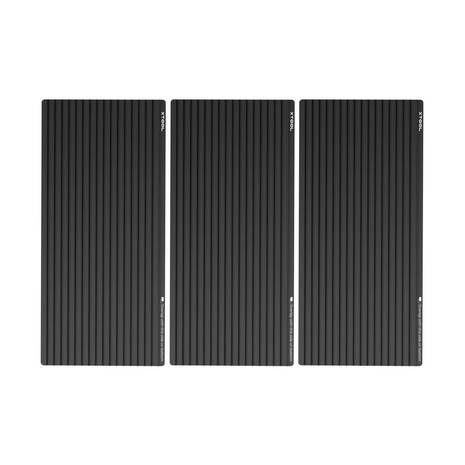
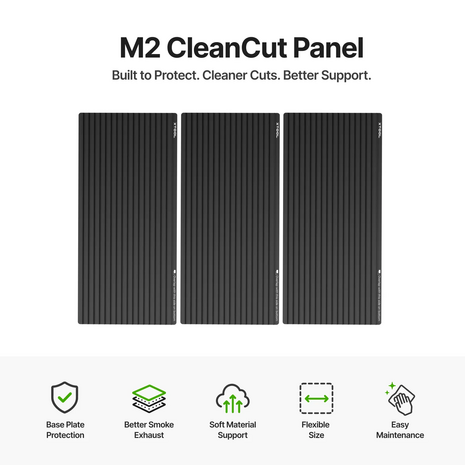
The xTool M2 CleanCut Panel is a dedicated cutting panel for the xTool M2. The panel protects the machine’s baseplate during laser cutting and helps keep materials flat and stable during processing.
Thanks to its open slat structure, the material is not placed directly on a fully flat surface, but supported along lines. This helps when cutting soft or thin materials and can contribute to cleaner cut edges and fewer smoke marks on the underside of the material.
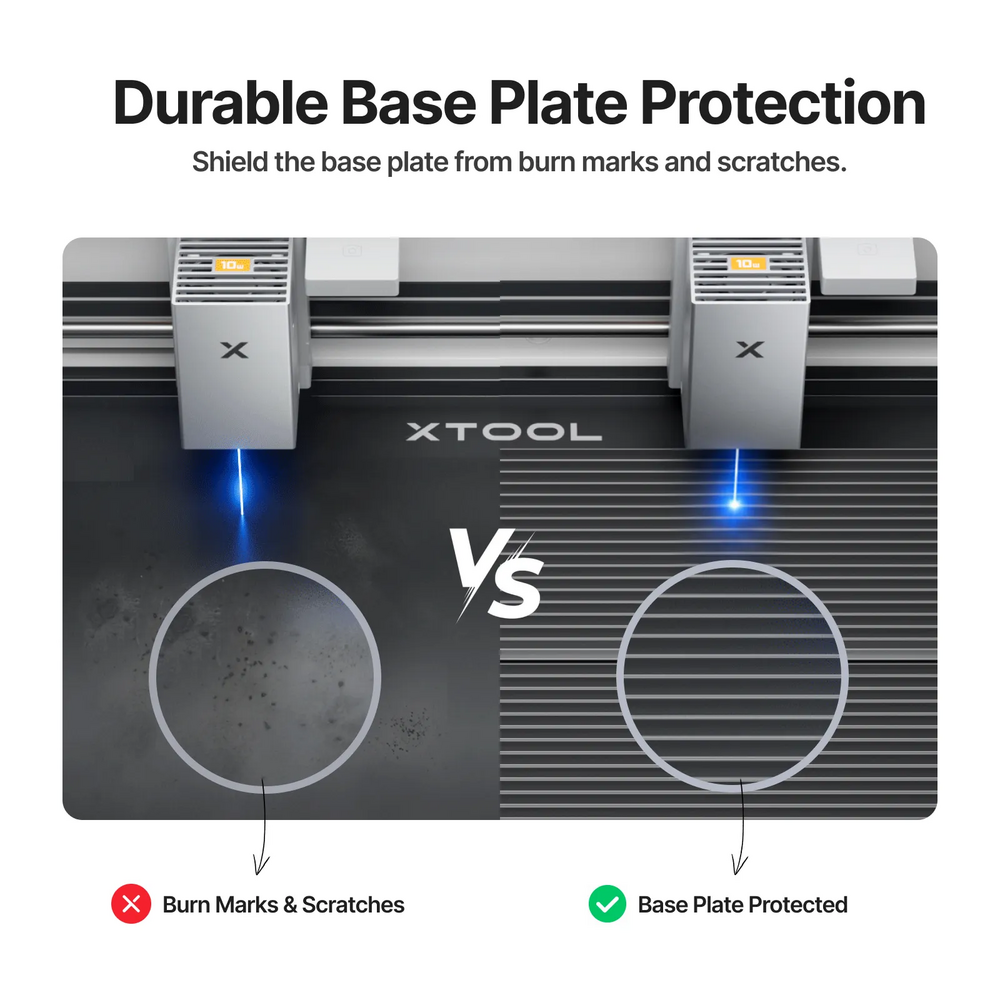
Baseplate Protection
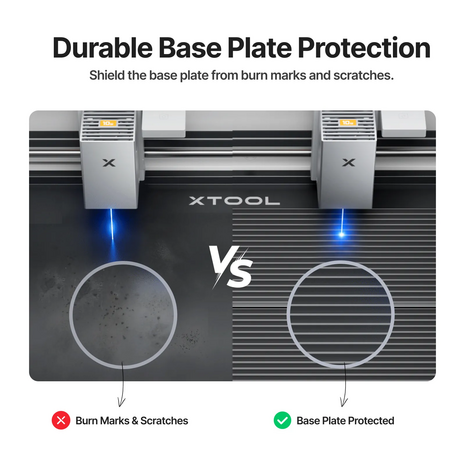
During laser cutting, the laser can cut through the material and reach the baseplate underneath. The CleanCut Panel absorbs part of this residual energy and helps reduce burn marks, scratches and wear on the baseplate.
This makes the panel a practical accessory for users who regularly cut with the xTool M2 and want to keep the machine clean and well protected.
Better Support for Soft and Thin Materials
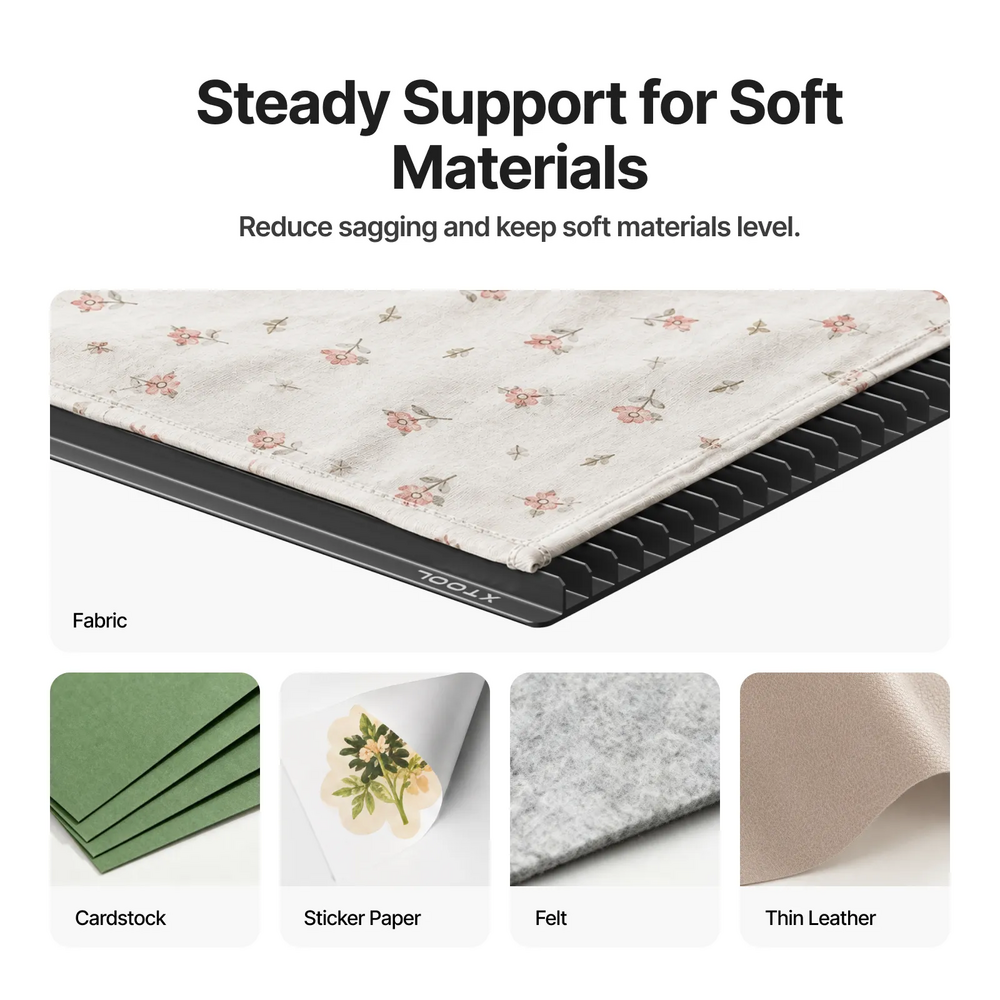
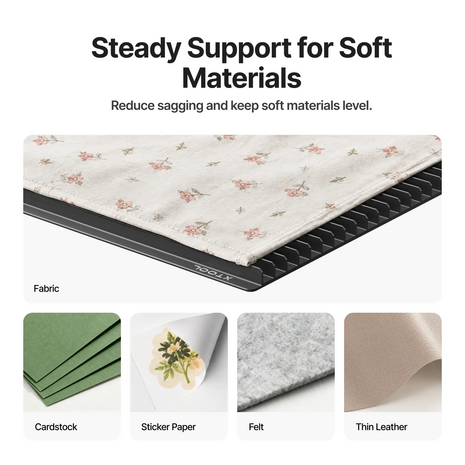
The xTool M2 CleanCut Panel is especially useful for materials that may sag or lie less stable on a flat surface. Examples include cardstock, sticker paper, felt and thin leather.
The slat structure provides more consistent support and helps reduce the effect of material sagging. This is especially useful for print-and-cut applications, precise cutting jobs and materials where a clean cut edge is important.
Cleaner Cutting Results
The structure of the panel helps air and smoke move more effectively underneath the material. This can reduce smoke marks, yellowing and residue on the underside of materials such as wood or paper.
For the best results, correct settings, material choice and material fixation remain important. Use masking tape where needed to keep the material in place.
Flexible for Different Projects
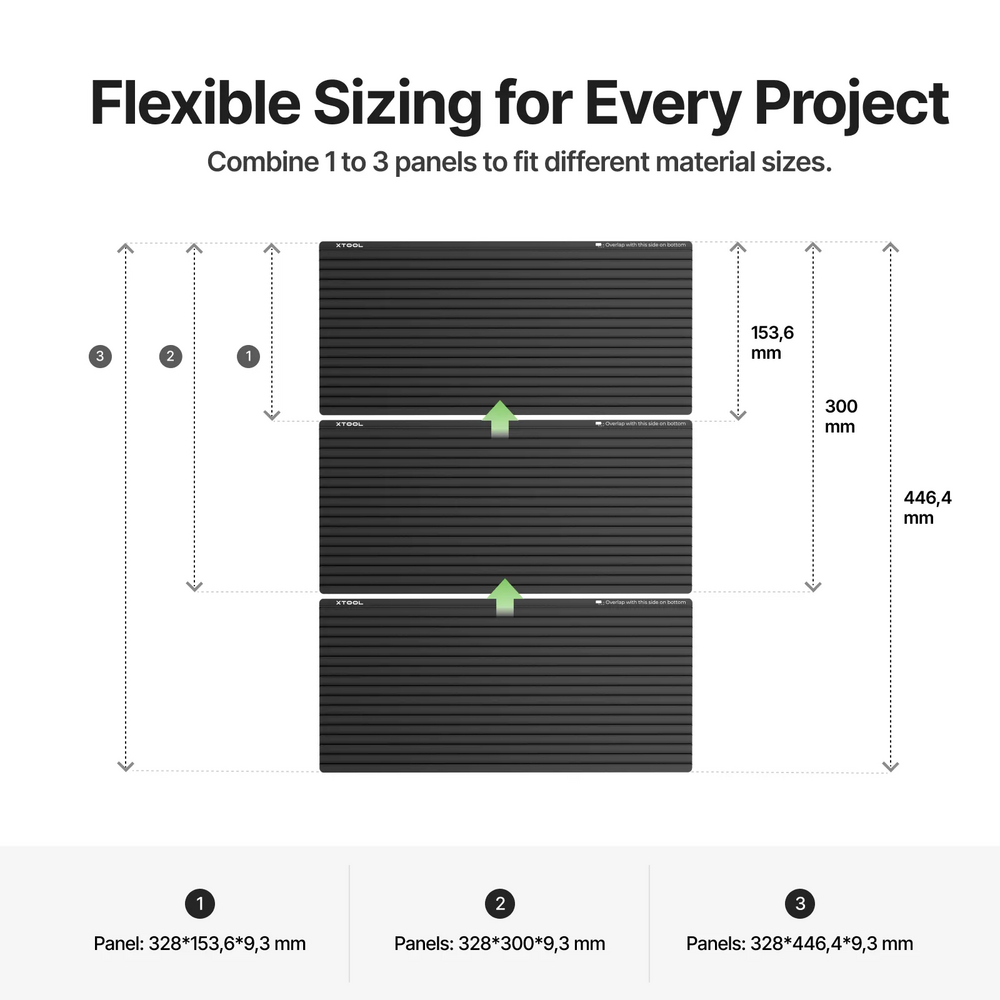
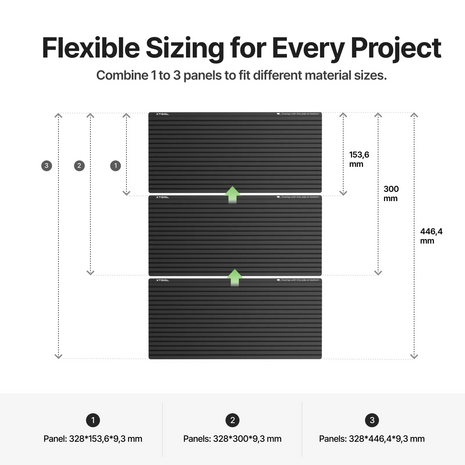
The xTool M2 CleanCut Panel consists of multiple panels that can be combined depending on your project. This allows you to adapt the working area to smaller or larger materials, such as A5, A4 or A3-sized projects.
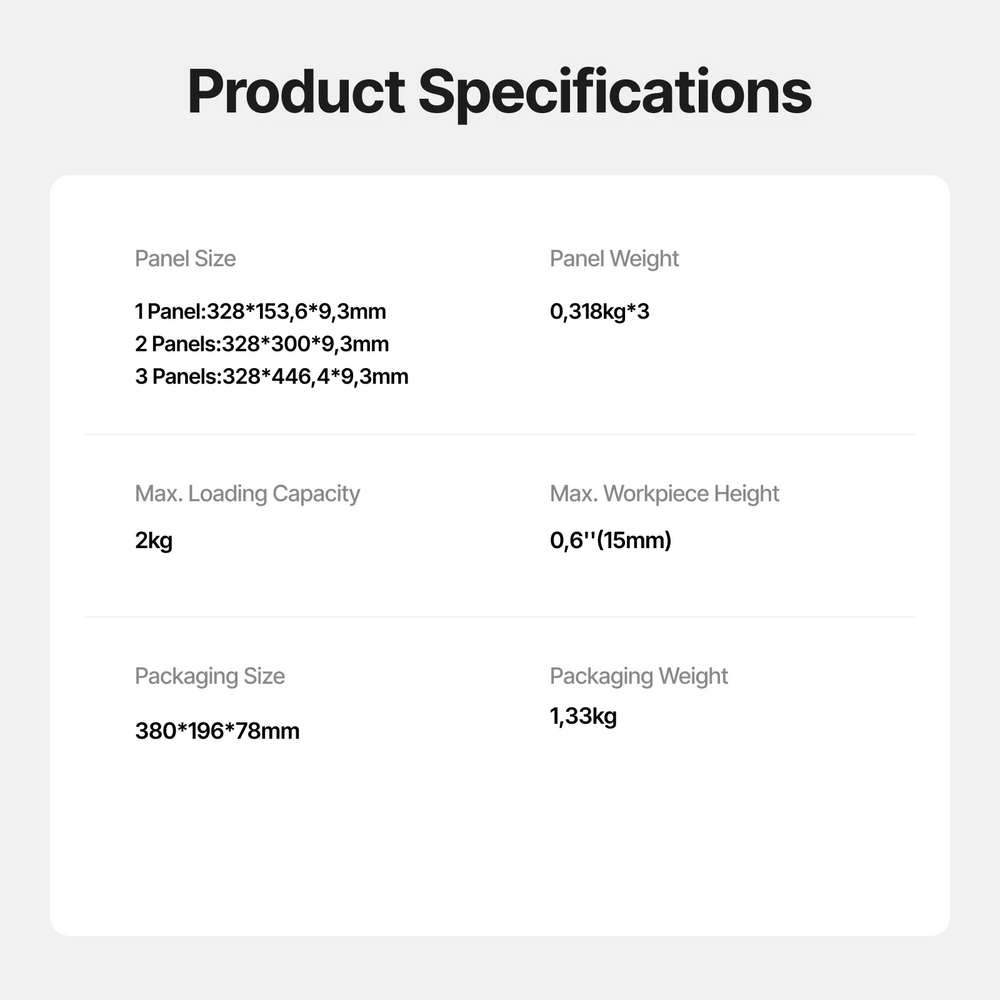
Please note: when using the CleanCut Panel, the xTool M2 supports materials up to 15 mm in height. When used together with the printhead, specific placement instructions apply.
Easy to Clean
The CleanCut Panel has a straight-groove structure, making it relatively easy to clean. Dirt and residue can usually be removed with a damp cloth, alcohol wipes or a cleaning brush.
Clean the panel preferably after use. This helps prevent material residue, soot or buildup from affecting future processing results.
Key Features
CleanCut Panel for the xTool M2
Protects the baseplate from burn marks and scratches
Supports soft materials such as cardstock, stickers, felt and thin leather
Helps reduce smoke marks and discoloration on the underside
Suitable for print-and-cut and laser cutting
Flexible panel combination for different material sizes
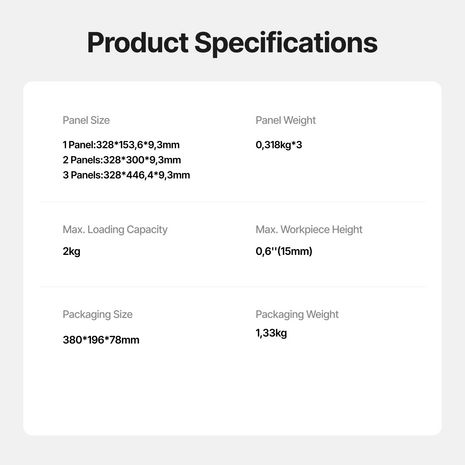
Supported processing height with panel: 0 to 15 mm
Easy to clean
Consumable accessory for regular use
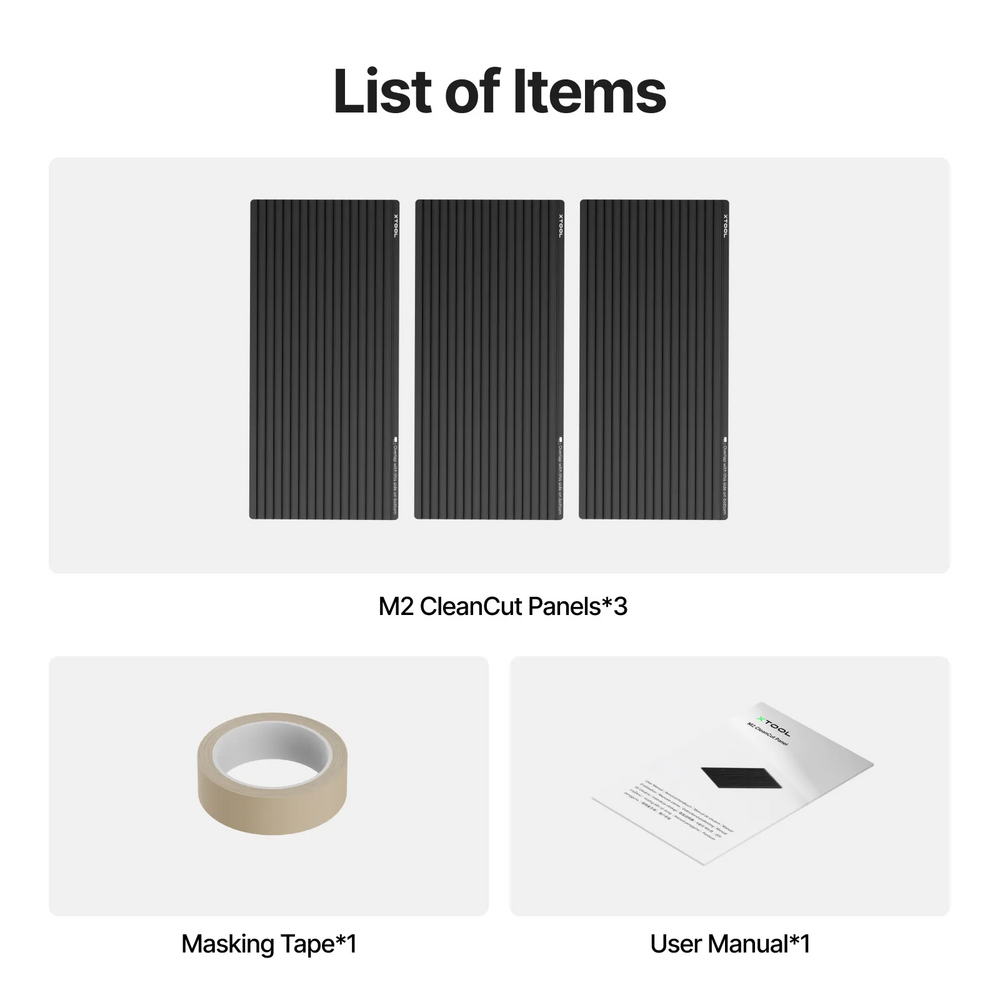
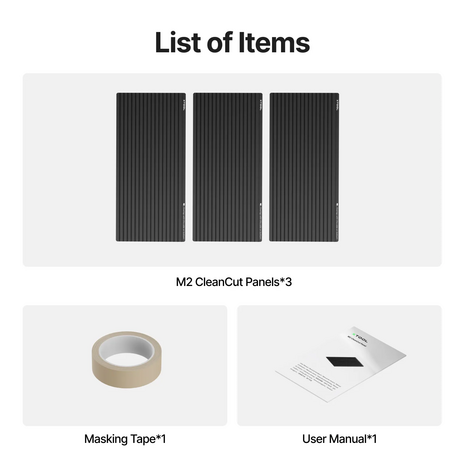
Includes CleanCut Panel, masking tape and user manual
Who Is the xTool M2 CleanCut Panel For?
The xTool M2 CleanCut Panel is suitable for xTool M2 users who regularly cut or create print-and-cut projects. The panel is especially useful when working with thin, soft or sensitive materials where support, cleanliness and machine protection are important.
If you use the xTool M2 for stickers, cards, paper, thin leather, felt, thin wood sheets or creative projects, the CleanCut Panel is a practical addition to your M2 workflow.
Advice at FilRight
Are you unsure whether the xTool M2 CleanCut Panel is suitable for your application? Contact FilRight. We are happy to help you choose the right accessories, materials and settings for the xTool M2.
Product specifications
- Article number
- P0102000386
- SKU
- 3065759455
- EAN
- 6928819541016