 9,5
9,5
 3D Printers
 3D Scanners
 Laser Machines
 Print & Transfer
 Acrylic Sheets
 Outlet
 Training
 Leasing
 Servicerobots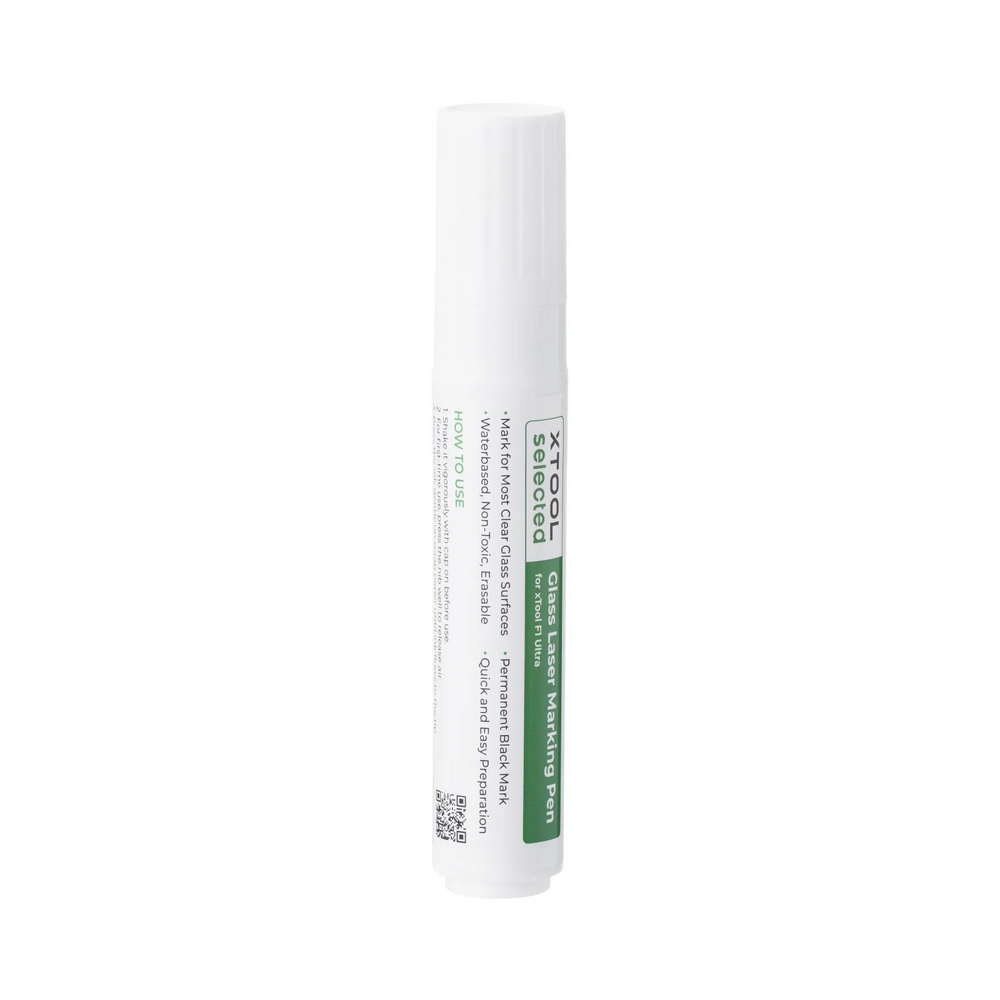

xTool xTool Black Laser Marking Pen for Glass 2pcs for Black Laser Marking on Glass



xTool Black Laser Marking Pen for Glass 2pcs
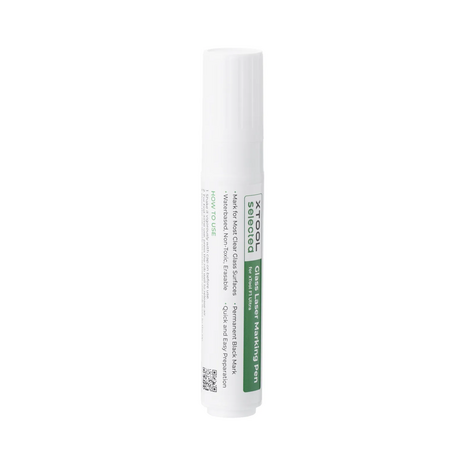
The xTool Black Laser Marking Pen for Glass 2pcs is a marking pen for laser engraving and laser marking on glass. The pen applies a white layer to the glass surface, which leaves a clear black marking after laser processing.
This set includes 2 marking pens and is designed for users who want to create black markings on glass with a compatible xTool laser. Typical applications include text, logos, names, patterns, decoration and personalization on glass products.
For Black Markings on Glass
Glass does not always produce a dark or clearly visible result when engraved directly with a laser. A laser marking pen helps prepare the glass surface, allowing the laser to create a clearer black marking.
This is especially useful for applications where contrast is important. Think of drinking glasses, glass bottles, glass ornaments, awards, decoration, promotional gifts and personalized products.
Simple Workflow: Apply, Engrave and Clean
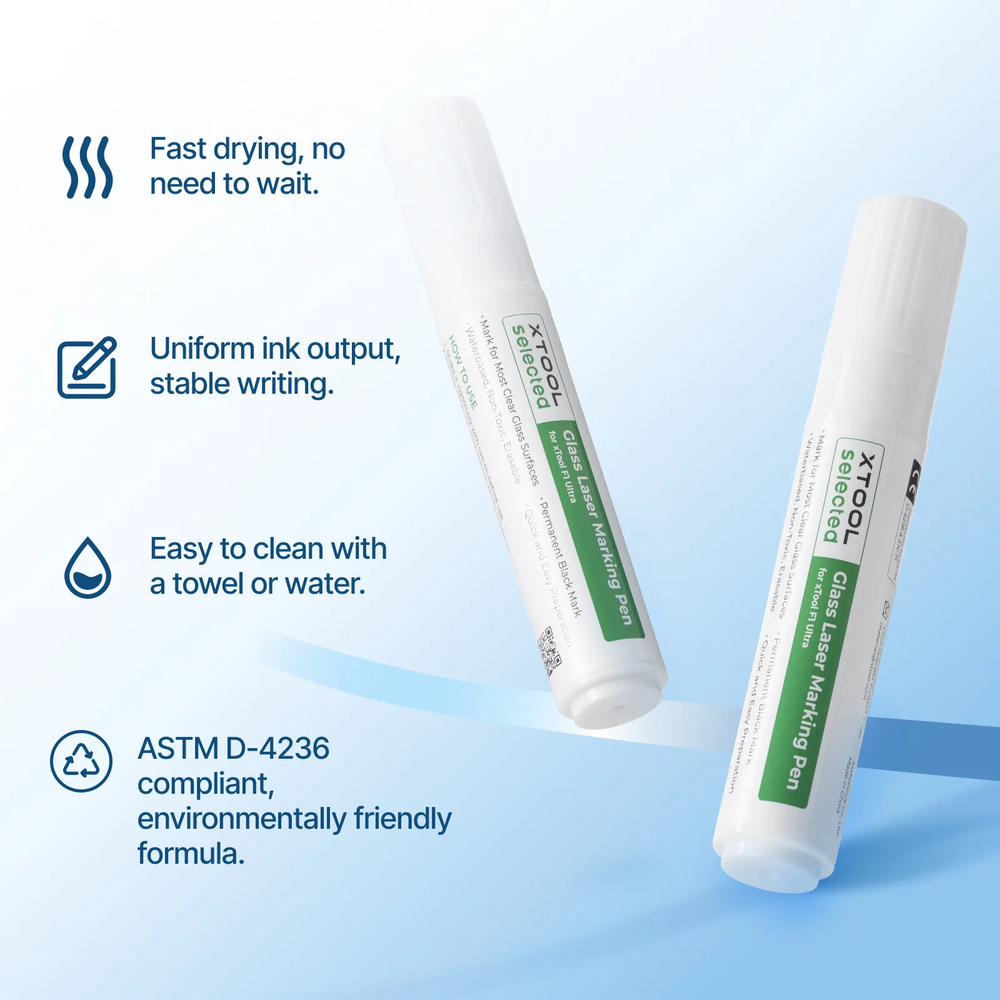
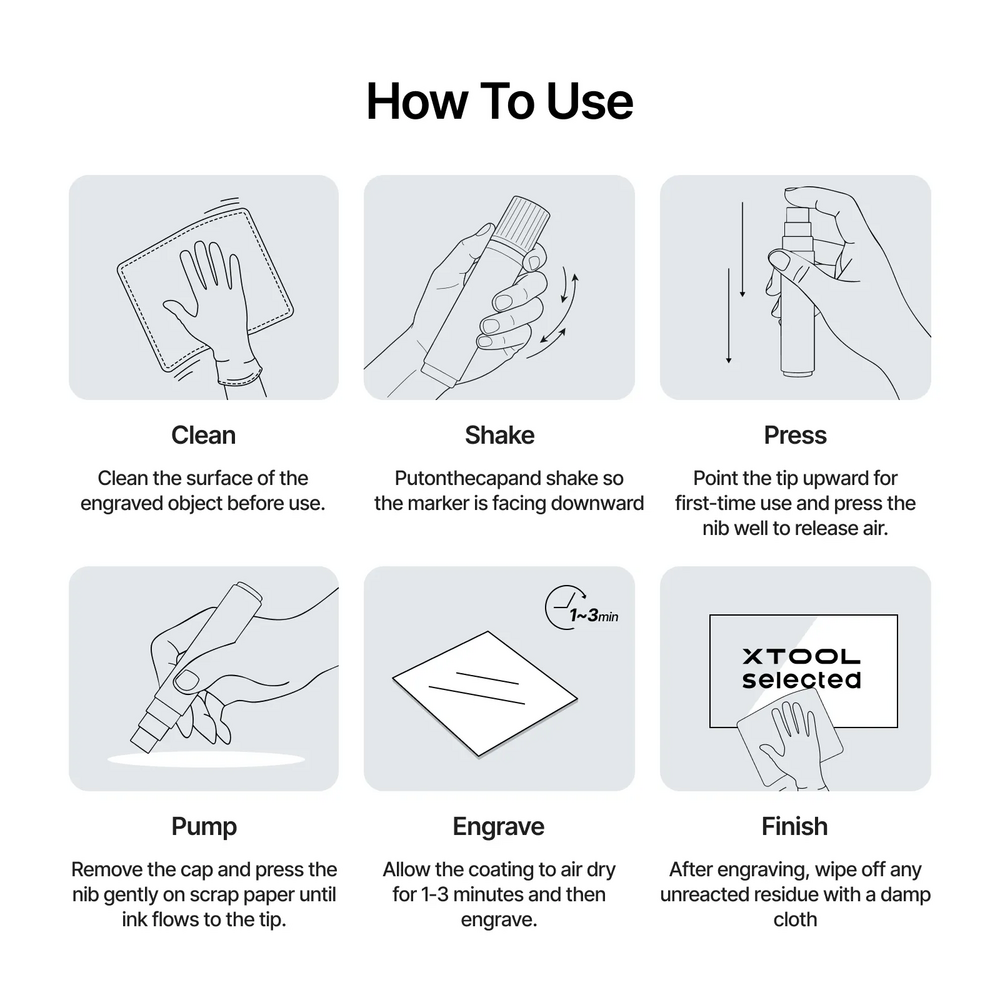
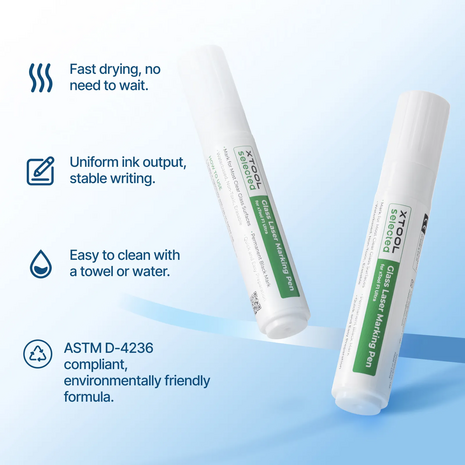
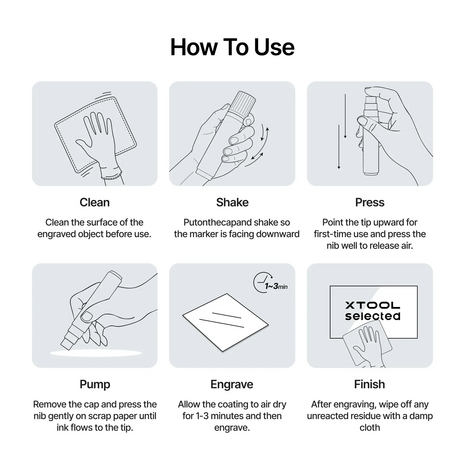
The workflow is straightforward. First clean the glass surface, apply the marking pen evenly to the area that will be engraved and let the layer dry. Then engrave the design with a compatible xTool laser. After engraving, the remaining material can be wiped away or rinsed off with water.
When using the pen for the first time, it may be necessary to press the tip several times until the ink starts flowing properly. For best results, always test first on a similar piece of glass.
For Personalizing Glass Products
With the xTool Black Laser Marking Pen for Glass, users can add dark markings to glass products. This makes the accessory useful for creative businesses, gift shops, webshops, engraving companies, makers, schools and workshops.
Applications include names on glasses, logos on promotional gifts, decorative patterns, symbols, date engravings, small text and personalized gifts. For small batches and custom work, it is a practical material to keep in stock.
Compatible with Different xTool Lasers
xTool lists compatibility with several F Series machines, including the xTool F1, F2, F1 Lite, F1 Ultra and F2 Ultra. Always check the recommended settings for your machine, laser type and application.
The correct settings may vary depending on the glass product, glass thickness, coating, shape and desired marking. For unknown materials or products, a test marking is recommended before processing a final item.
Material QR Code for Settings
The xTool Black Laser Marking Pen for Glass supports material settings via QR code. With compatible xTool machines equipped with a camera, this can help users select the correct processing parameters more quickly.
For machines without automatic camera functionality, settings can be selected manually. Use the recommended xTool settings as a starting point and adjust them based on the desired result.
Key Features
- Laser marking pen for glass
- Set of 2 pens
- For black laser markings on glass
- Applies white, leaves a black marking after laser processing
- Suitable for text, logos, names, patterns and decoration
- For drinking glasses, bottles, ornaments, awards and promotional gifts
- Simple workflow: apply, engrave and clean
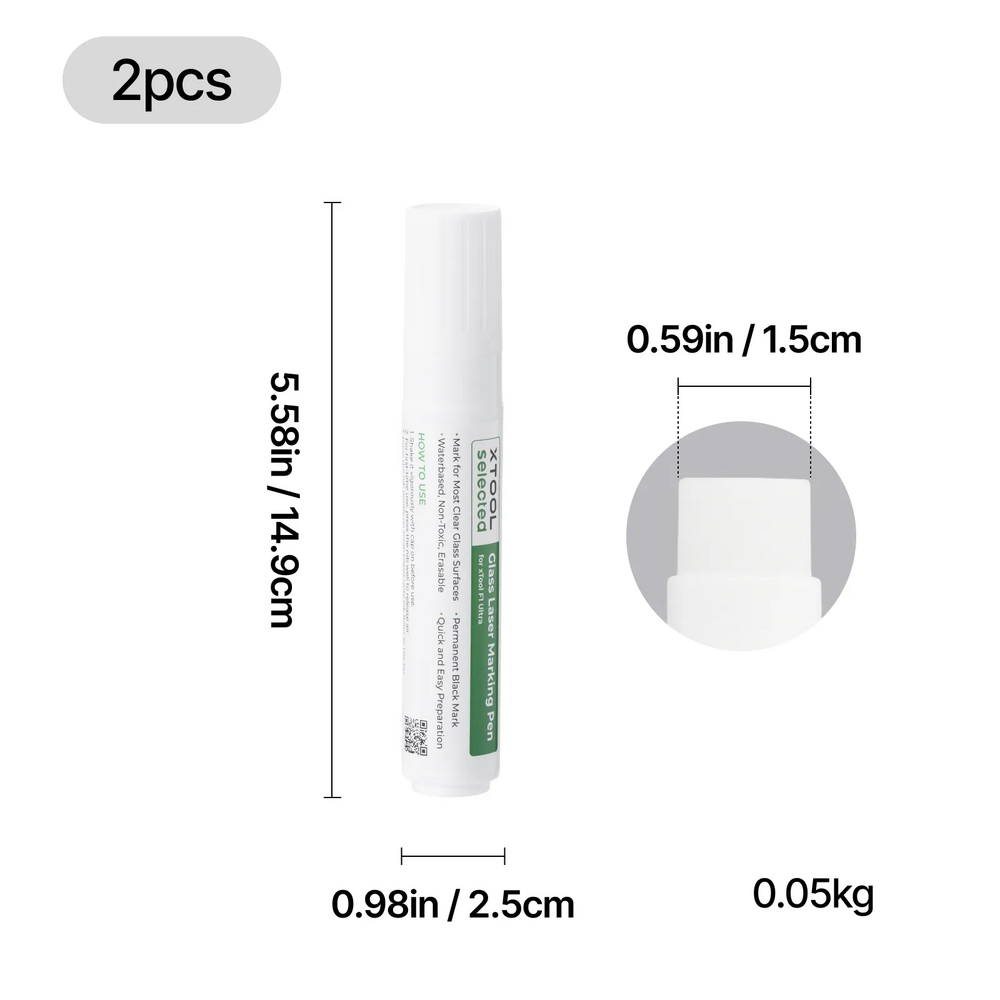
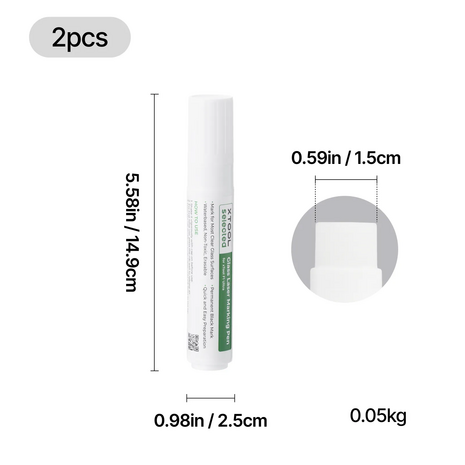
- Pen tip width: 1.5 cm
- Compatible with several xTool F Series lasers
- Practical consumable for glass engraving and personalization
Who Is This Marking Pen For?
The xTool Black Laser Marking Pen for Glass 2pcs is suitable for users who want to mark glass with a clear black finish. This is especially useful for makers, engraving businesses, gift shops, webshops, schools, creative businesses and companies that produce personalized glass products.
If you mainly want a light or frosted engraving on glass, direct laser engraving may sometimes be sufficient. If you want a darker and clearer contrast, this marking pen is a practical addition to your laser workflow.
Advice at FilRight
The right workflow depends on your xTool machine, the type of glass and the desired result. Do you work with glasses, bottles, awards or other transparent products? Then it is important to use the right settings and supporting materials.
FilRight helps you choose the right xTool accessories and laser materials. In our showroom in IJsselstein, we can explain the possibilities of different xTool machines and help determine which solution fits your application.
Product specifications
- Article number
- P0104001115
- SKU
- 3065759434